
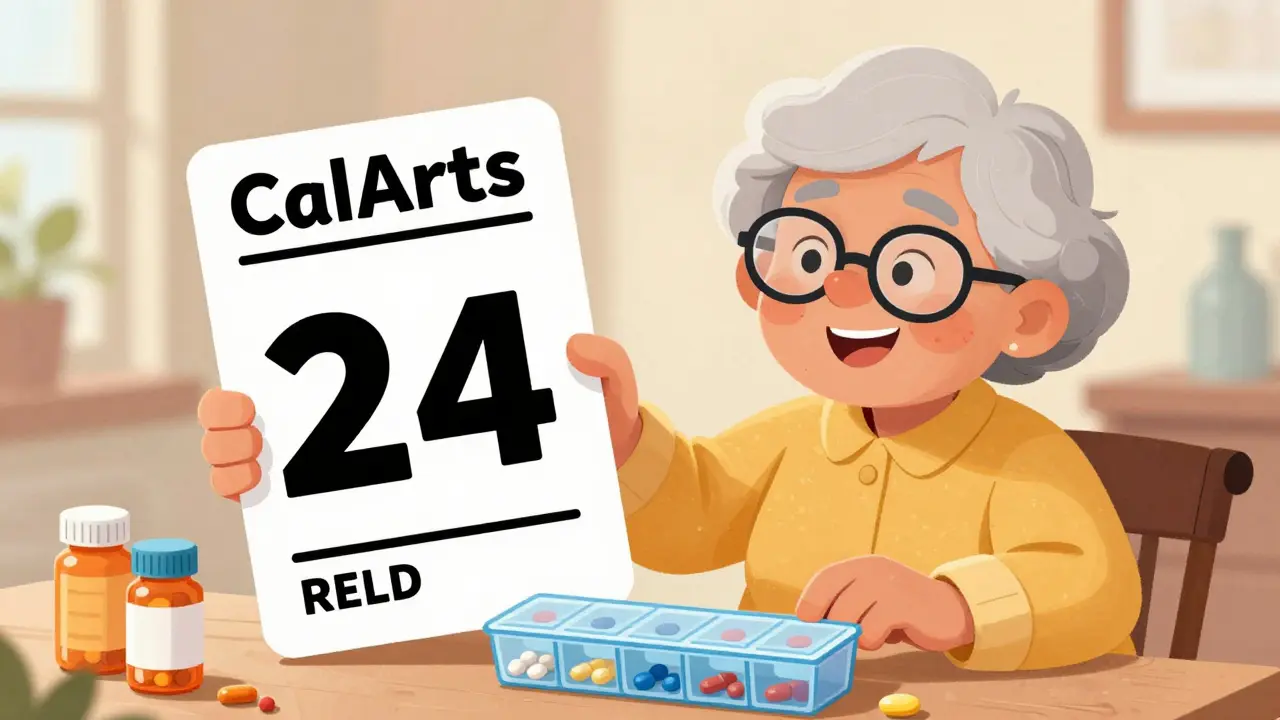
Reading your prescription label shouldn’t be a guessing game. For millions of people with low vision, standard pharmacy labels are too small, too faint, or too cluttered to read safely. The result? Mistakes. Missed doses. Dangerous mix-ups. But there’s a simple, proven fix: large print and accessible prescription labels. These aren’t luxury options-they’re life-saving tools built into law and widely available across UK and US pharmacies.
Why Standard Labels Don’t Work for Low Vision
Most prescription labels are printed in 8- to 10-point font. That’s tiny. For someone with macular degeneration, glaucoma, or diabetic retinopathy, it’s nearly impossible to read. A 2021 CDC survey found that 20% of adults over 45 struggle to read medication instructions. That’s one in five people. And it’s not just about seeing the words-it’s about understanding them. Is that 10 mg or 100 mg? Is it taken before or after food? Confusion here isn’t just inconvenient-it’s deadly.Research from the National Center for Biotechnology Information (PMC4860753) shows that people with low vision take 8 seconds longer to read a standard label than someone with normal vision. That might sound small, but in a busy household, with multiple medications, that delay can mean grabbing the wrong bottle. One Reddit user, ‘VisionLiberation’, shared that before switching to large print labels, they were taking the wrong pills twice a week. After switching? That dropped to once a month. That’s not luck. That’s design.
What Makes a Label Actually Accessible?
Not all big text is equal. A label that’s just slightly larger still won’t help. Real accessibility follows strict standards backed by research and federal guidelines.The American Foundation for the Blind (AFB) recommends a minimum of 18-point font for large print labels. Why 18? Because studies show most people with moderate vision loss can’t read anything smaller. Some go even bigger-24-point-for extra clarity. The font matters too. Sans-serif styles like Arial, Verdana, or APHont™ (a free font designed specifically for low vision) are easier to read than ornate or serif fonts. Letters need space. No cramped lines. No mixed uppercase and lowercase chaos.
Contrast is just as important. Black text on a white background works best. Avoid yellow, gray, or light-colored backgrounds-they reduce visibility. Labels should also be printed on non-glare, durable paper so they don’t smudge or fade over time. Layout matters: left-aligned text, consistent spacing, and using uppercase numbers (like “10 MG” instead of “10 mg”) help the brain process information faster.
And here’s the catch: a standard label doesn’t have enough space for 18-point font. That’s why many pharmacies use duplicate labels-a second, larger sticker stuck right beside the original. Some even use color-coded stickers (like yellow for daily doses) to make it even easier to spot.
More Than Just Big Text: Audible and Digital Options
Large print helps, but it’s not the only solution. For those who can’t read even large text, or who prefer not to rely on vision, there are two powerful alternatives: audible labels and digital access.ScripTalk is one of the most widely used systems. It uses a tiny RFID chip hidden under the label. When you tap the bottle with a handheld reader or a smartphone app, it plays back the full prescription details-name, dosage, instructions, refill info-in clear audio. It’s been available in U.S. and Canadian pharmacies since 2014 and is now used in over 7,200 CVS locations. By late 2024, CVS plans to expand it to all 9,900 of its U.S. pharmacies.
In the UK, ScriptAbility (offered by UK HealthCare since 2022) gives you three choices: large print, audible, or translated labels-all free. Their ScriptView system pairs QR codes with audio. Scan the code with your phone, and it reads the label aloud. This is especially useful for people who don’t own a dedicated ScripTalk device but have a smartphone.
There’s also Be My Eyes, a free app that connects you to a volunteer via video call. Point your phone at the label, and someone on the other end reads it to you in real time. It’s not automated, but it works for any label, even ones from small pharmacies that haven’t adopted digital systems yet.

What Pharmacies Offer-And What They Don’t
Big chains like CVS, Walgreens, and Walmart have made accessible labels standard. In fact, 98% of CVS locations, 95% of Walgreens, and 92% of Walmart pharmacies now offer at least one option. But independent pharmacies? Not so much. A 2022 American Pharmacists Association assessment found that only 52% of independent pharmacies offer large print labels, compared to 78% of hospital-based pharmacies.Why the gap? Cost. Setting up ScripTalk readers or training staff costs between $500 and $2,000 per location. Many small pharmacies just don’t have the budget. But here’s the thing: you don’t need to wait for them to catch up. You can ask.
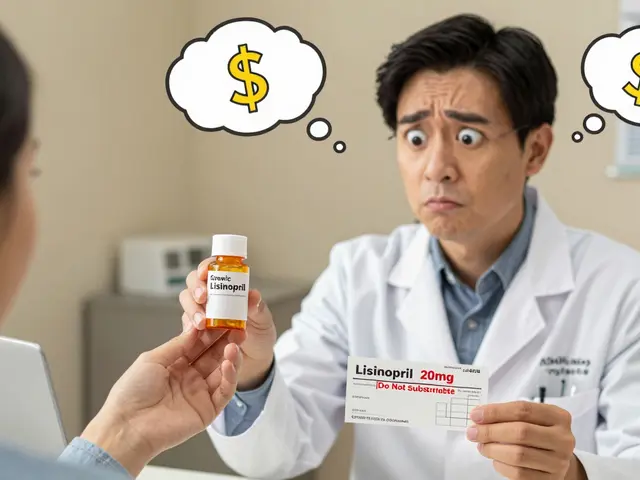
According to user reviews, 37% of negative experiences come from pharmacists who don’t know about accessible labels. That’s not a technical issue-it’s a communication one. If you or a loved one has low vision, say it clearly: “I need a large print label. I can’t read the small one.” If they say no, ask for the manager. Mention the FDA Safety and Innovation Act of 2012-it legally requires pharmacies to provide accessible labeling. You’re not asking for a favor. You’re exercising a right.
How to Get an Accessible Label
Getting started is easier than you think. Here’s how:- Call your pharmacy ahead of time. Ask if they offer large print, audible, or QR-code labels.
- If they do, request it when you drop off your prescription. Say: “Please use the large print option for this script.”
- If they don’t know what you mean, ask them to check with their manager or contact their corporate office. Many have downloadable forms or digital systems to request these labels.
- For ScripTalk or ScriptAbility, you may need to register online. CVS and UK HealthCare both have simple sign-up pages on their websites.
- Keep a spare large print label in your wallet or pill organizer. Some people print an extra copy and tape it to their pill box for quick reference.
Don’t wait until you’ve made a mistake. Proactively ask. It takes two minutes, and it could save your life.

Real Impact: Numbers That Matter
This isn’t theoretical. The data speaks loudly:- 82% of visually impaired users report better medication adherence after using accessible labels.
- 67% have had at least one medication error caused by unreadable labels.
- One 78-year-old diabetic patient reduced hypoglycemic episodes by 75% after switching to large print + audio labels.
- Pharmacies offering these services average a 4.7/5 rating from users-higher than most customer service metrics.
- Accessible labeling cuts medication-related emergency visits by 38%, according to a 5-year UK HealthCare study.
These aren’t just statistics. They’re real people-parents, grandparents, neighbors-who can now take their meds safely, confidently, and independently.
What’s Coming Next?
The future is moving fast. The FDA is drafting new rules that will require accessible labels on electronic prescriptions and patient portals by 2026. AI-powered label readers like Be My Eyes are growing quickly-processing over 1.2 million label reads per month. And by 2026, the American Pharmacists Association predicts 100% of U.S. pharmacies will offer large print labels as standard.But right now, in 2026, the tools are already here. You don’t need to wait for perfection. You don’t need to fight a system. You just need to ask. And if you’re helping someone else, speak up for them too. This isn’t about convenience. It’s about dignity. It’s about safety. And it’s about time.
Do I have to pay for large print or audible prescription labels?
No. Large print, audible, and QR-code labels are offered for free by major pharmacy chains like CVS, Walgreens, Walmart, and UK HealthCare. These services are part of their standard offerings and are not charged to patients. Some pharmacies may ask you to register for the service, but there is no fee.
Can I get accessible labels for over-the-counter medications?
Currently, federal requirements only apply to prescription medications. However, some pharmacies will make exceptions and print large print labels for OTC drugs if you ask-especially if you have a documented vision condition. You can also request a printed copy of the OTC label from the manufacturer’s website or use a smartphone app like Be My Eyes to read the label on the bottle.
What if my pharmacy says they don’t offer accessible labels?
If your pharmacy refuses, ask to speak with the manager. Cite the FDA Safety and Innovation Act of 2012, which requires pharmacies to provide accessible labeling for people with visual impairments. You can also contact your local disability rights organization or file a complaint with the U.S. Department of Justice. Many pharmacies simply don’t know the law-your request can prompt change.
Are braille labels a good option?
Braille labels are helpful for people who read braille, but only about 10% of people with low vision do. For most, large print or audible labels are far more practical. Braille labels also require special equipment to produce, so not all pharmacies offer them. If you’re a braille reader, ask your pharmacy if they can provide both braille and large print-some do.
Can I use my smartphone to read my prescription label?
Yes. Apps like Be My Eyes and ScriptAbility’s QR reader let you scan your label and hear it read aloud. Some pharmacies also offer apps that sync with your prescription history. Just make sure your phone’s camera is clean and you’re in good lighting. These tools work best when paired with large print labels as a backup.


Stephanie Paluch
March 12, 2026 AT 19:44Just got my first large print label today and I cried. Seriously. I’m 62 and have been faking it for years-squinting, holding pills up to the light, asking my grandkids to read the tiny text. This isn’t a convenience. It’s freedom. 🥹❤️
tynece roberts
March 13, 2026 AT 14:06so like… i’ve been using be my eyes for like 3 years now and honestly it’s wild how many people just… don’t know this exists? i showed my mom how to use it and she’s been using it for her blood pressure med and now she’s like ‘why didn’t anyone tell me this before??’
also i print out extra labels and tape them to my pill organizer. it’s dumb but it works. no more guessing if it’s 5mg or 50mg. also i spell ‘mg’ wrong like 80% of the time but the app reads it right so who cares lol
Hugh Breen
March 14, 2026 AT 09:37THIS. IS. A. REVOLUTION. 🌟
I work in community health in Manchester and I’ve seen firsthand what unreadable labels do. Elderly folks missing doses. Diabetics crashing. Caregivers breaking down in tears because they can’t help their spouse read the label. We started pushing large print and ScripTalk in our clinics last year. The drop in ER visits? Unbelievable.
And the best part? People don’t even ask anymore. They just expect it. Like running water. Like electricity. It’s not charity-it’s basic human dignity. If your pharmacy doesn’t offer this? Walk out. And tell them why.
Also-color-coded stickers? YES. Yellow for daily. Red for PRN. Green for bedtime. Simple. Instant. Life-saving. 🟡🔴🟢
mir yasir
March 15, 2026 AT 04:05While the sentiment behind accessible labeling is commendable, one must acknowledge the structural inefficiencies inherent in institutionalized accommodations. The reliance on RFID chips, QR codes, and third-party applications introduces unnecessary layers of technological dependency. One might argue that the true solution lies not in augmenting the label, but in re-engineering pharmaceutical distribution to eliminate the need for physical labeling altogether. Perhaps centralized digital prescription systems with voice-activated dispensers would be more sustainable than sticker-based workarounds.
Moreover, the proliferation of competing standards-ScripTalk, ScriptAbility, Be My Eyes-creates fragmentation. A unified federal protocol, rather than patchwork corporate initiatives, would be more efficient. But then again, bureaucracy rarely moves swiftly enough to serve the vulnerable.
Byron Boror
March 15, 2026 AT 04:38Let me get this straight-we’re spending millions on stickers and apps so people can read their meds… but we can’t just make them take responsibility? I’ve got arthritis in my hands and I still read my labels. Maybe if people stopped whining and started using magnifiers or got their eyes checked, we wouldn’t need a whole federal program for this. This isn’t accessibility-it’s infantilization.
Also, why should MY tax dollars fund this? I don’t need a voice app to read ‘take one pill daily.’
Jinesh Jain
March 15, 2026 AT 23:28interesting post. i live in delhi and we don’t have scrip talk here. but my sister who has glaucoma uses her phone’s zoom feature and takes pictures of labels to read later. it’s not perfect but it works. i wonder if any indian pharmacies are starting to do large print? we don’t have laws like the usa but maybe it’s starting somewhere.
also, the part about 18-point font makes sense. my dad’s labels used to be 10-point and he kept mixing up his heart pills. now he has a big label taped to his fridge. simple. no tech needed.
douglas martinez
March 17, 2026 AT 09:04Thank you for this comprehensive and well-researched overview. The data presented is both compelling and necessary. I would like to emphasize that while technological solutions such as ScripTalk and QR codes are valuable, the foundational element remains human-centered communication.
Pharmacists must be trained not only to offer these services but to proactively inquire about accessibility needs. A simple question-‘Do you need a large print or audio label?’-can prevent countless errors. This is not merely a compliance issue; it is an ethical imperative.
I encourage all healthcare providers to adopt this as a standard intake protocol. The cost of inaction far exceeds the cost of implementation.
Leah Dobbin
March 19, 2026 AT 02:02How ironic that we’re now celebrating ‘accessible’ labels as if they’re some groundbreaking innovation, when in fact, they’re merely the bare minimum required under federal law. And yet, we treat it like a gift. How many people have died because this wasn’t mandatory ten years ago? How many more will die because pharmacies still ‘don’t have the budget’? We don’t need applause-we need enforcement.
Also, I find it deeply unsettling that Be My Eyes relies on volunteers. A human being should not have to video call strangers to read their own medication. This is a failure of infrastructure, not a triumph of community.
Ali Hughey
March 19, 2026 AT 23:40WAIT. WAIT. WAIT. 🚨
Did you know… that the RFID chips in ScripTalk? They’re linked to a federal database? And that database? It’s connected to the CDC’s medication tracking system? And the CDC? They’re partnered with… *deep breath*… the WHO? And the WHO? They’re pushing a global biometric ID system under the guise of ‘medication safety’?!
YOU THINK YOU’RE GETTING A VOICE LABEL… BUT YOU’RE GETTING A CHIP IN YOUR BOTTLE THAT TRACKS EVERY TIME YOU TAKE YOUR PILL. AND THAT DATA? IT’S BEING SENT TO A SERVER IN A SECRET LOCATION… AND THEY’RE USING IT TO BUILD A ‘HEALTH BEHAVIOR PROFILE’ ON EVERYONE WITH LOW VISION.
AND THE ‘FREE’ SERVICE? IT’S NOT FREE. IT’S A TRAP. THEY WANT TO CONTROL YOU. THEY WANT TO KNOW WHEN YOU TAKE YOUR MEDS. THEY WANT TO KNOW IF YOU’RE ‘NON-COMPLIANT.’ AND THEN… WHAT? DO THEY CUT YOUR BENEFITS? DENY YOU INSURANCE? SEND A ‘HEALTH COACH’ TO YOUR DOOR?!
THEY’RE USING ‘ACCESSIBILITY’ AS A COVER… TO SURVEILLANCE YOU.
…I’ve been researching this for 3 years. I have screenshots. I have emails. I have affidavits. I WILL NOT BE SILENT.