
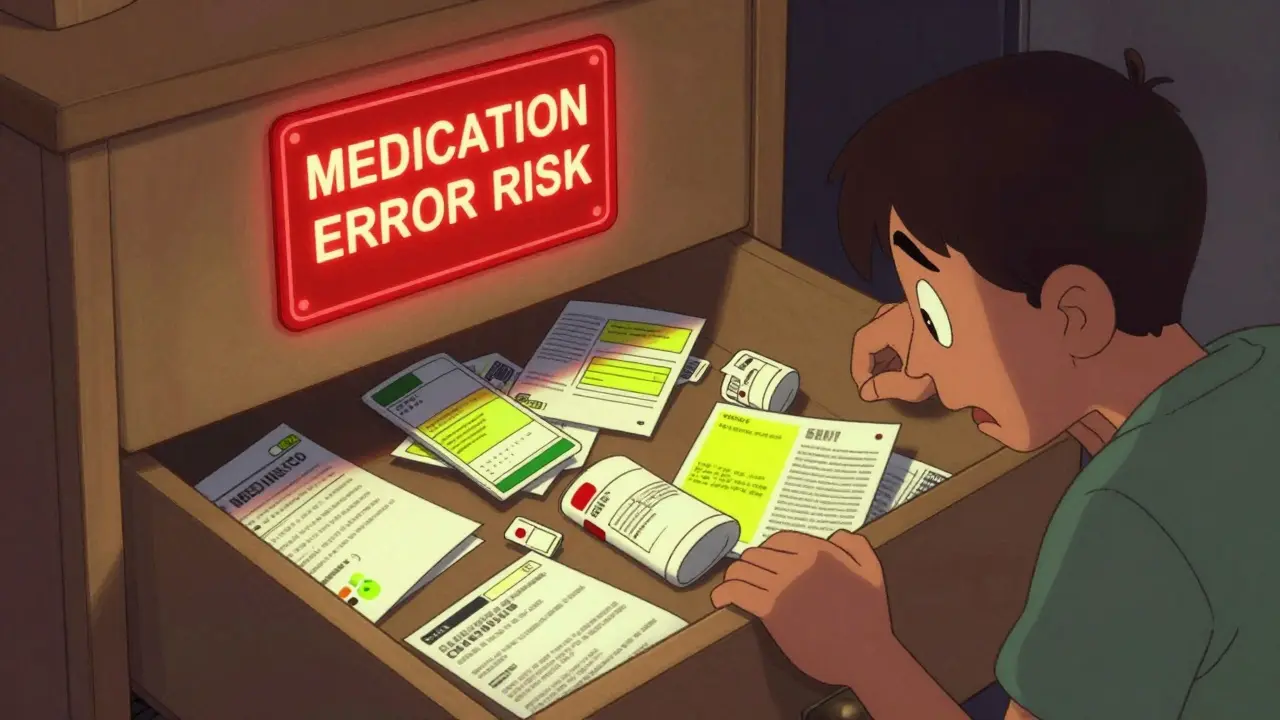
Every time you pick up a new prescription, you get a small paper label stuck to the bottle and a thicker leaflet with fine print about side effects, interactions, and dosing. Most people toss the leaflet in a drawer and forget about the label after the bottle’s empty. But doing that could cost you more than just paper-it could cost you your health.
Imagine this: You’re rushed to the ER after falling ill. You can’t remember what meds you’re on, or how much. The doctors don’t have your full history. They guess. You end up getting a drug that clashes with something you’ve taken for years. That’s not hypothetical. In the U.S., medication errors contribute to about 7,000 deaths every year. Keeping your prescription labels and leaflets organized isn’t just neat-it’s a safety habit.
Why You Should Keep Prescription Labels and Leaflets
Prescription labels aren’t just reminders for when to take your pills. They’re official records. By law, every label must include your name, the drug name, dosage, prescriber, pharmacy, and expiration date. The leaflet? That’s where you find warnings about alcohol interactions, pregnancy risks, or dangerous combos with over-the-counter drugs.
Doctors rely on this info during check-ups, hospital visits, or when switching providers. If you can’t show them what you’ve taken in the past, they might order unnecessary tests-or worse, prescribe something unsafe. A 2022 study in the Journal of General Internal Medicine found that patients who kept organized records reduced adverse drug events by 55%.
And it’s not just emergencies. Ever had to prove to a new doctor that you’ve been on the same dose of blood pressure medicine for 10 years? One Reddit user lost $1,200 in unnecessary lab work because they threw out their old pill bottles. That kind of mistake is avoidable.
What to Save: Labels vs. Leaflets
Not everything needs to be saved forever. Here’s what matters:
- Prescription labels: Keep all active ones. For discontinued meds, hold onto labels for at least 1 year after stopping-longer if you’ve taken the drug for chronic conditions like diabetes or thyroid issues.
- Medication leaflets: Save every one. They contain critical info: side effects, storage instructions, what to do if you miss a dose, and interactions with foods or other drugs. Some leaflets are 8-12 pages long. Don’t skip them.
- Special cases: If you’ve had allergic reactions to a drug, keep that label and leaflet indefinitely. Even if you never take it again, future doctors need to know.
Don’t bother saving labels for short-term antibiotics unless you’ve had recurring infections. But if you’ve been on statins, antidepressants, or pain meds for years? Those belong in your file.
Physical Storage: The Binder Method
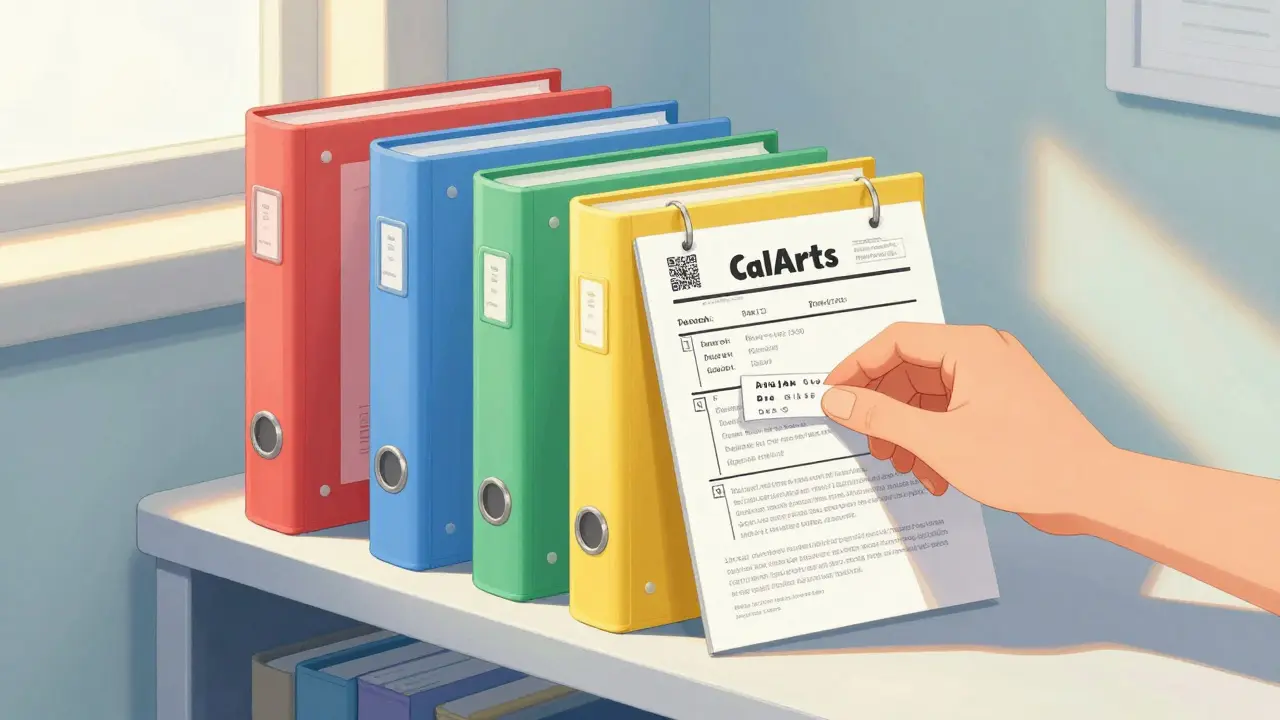
The simplest, most reliable way to store your records is in a binder. You don’t need fancy gear. A standard three-ring binder with plastic sleeves works fine. Here’s how to set it up:
- Get a binder with at least 1.5 inches of capacity. For someone on 20+ meds, you’ll need 2-3 inches.
- Buy acid-free, pH-neutral plastic sleeves (available at office supply stores). These prevent yellowing and tearing.
- Use dividers with color-coded tabs: Red for heart meds, Blue for diabetes, Green for pain, Yellow for mental health, White for everything else.
- For each prescription, slip the label and leaflet into one sleeve. Put the label on the front so you can read it without pulling it out.
- Organize alphabetically by drug name-not by condition. It’s faster to find “Lisinopril” than to guess which color “blood pressure” should be.
Store the binder in a cool, dry place. The CDC recommends keeping medications-and their paperwork-between 59°F and 77°F. Avoid bathrooms, kitchens, or windowsills. Humidity and heat ruin paper fast. A bedroom drawer or closet shelf is ideal.
Update it monthly. When you refill a prescription, swap out the old label and leaflet for the new ones. Throw away expired ones only after confirming the new ones are in place.
Digital Storage: Apps and Scans
If you’re tech-savvy or hate paper clutter, digital storage works too-but only if done right.
Use a HIPAA-compliant app like MyMedSchedule (version 3.2.1 or newer). These apps let you take photos of your labels and leaflets, tag them by category, and set expiration alerts. They encrypt your data and back it up to the cloud. No one else can access it without your password.
Don’t just use your phone’s gallery. Photos in your camera roll aren’t secure. They can be accessed if your phone is lost or hacked. And if you use a non-compliant app, you risk violating privacy laws. HIPAA fines for breaches can hit $68,928 per incident.
Here’s how to digitize safely:
- Use your phone’s camera to take clear, well-lit photos of each label and leaflet.
- Upload them to a HIPAA-compliant app-not Google Drive, iCloud, or Dropbox.
- Label each file clearly: “Lisinopril 10mg - Prescribed by Dr. Chen - 03/2024”.
- Enable automatic backups.
- Set a monthly reminder to update your digital file when you refill prescriptions.
Important: Digital systems aren’t perfect. They can crash. Power outages happen. And not everyone can use them. A 2023 AARP survey found only 42% of adults over 65 feel comfortable with medication apps. That’s why the best approach is a hybrid: keep physical copies of your current meds, and scan older ones for backup.
What to Avoid
Here are the biggest mistakes people make:
- Throwing out old bottles too soon. Even if the pills are gone, the label holds vital info. Hold onto it for at least a year.
- Storing labels in drawers with random papers. You’ll never find them when you need them.
- Using non-archival folders. Regular paper clips and plastic folders can stain or degrade your documents over time.
- Only trusting your memory. Studies show people misremember their meds 40% of the time-even those on the same drugs for years.
- Using non-HIPAA apps. If it’s not designed for medical data, don’t use it.
Also, don’t rely on your pharmacy’s records. Most EHR systems like Epic or Cerner only keep your history for 7-10 years. After that, they archive it-and you won’t have access. Your personal file is your only permanent copy.
How Much Space Do You Need?
If you take 28 prescriptions a year (average for someone over 65), you’ll collect about 28 labels and 28 leaflets annually. That’s roughly 1.2 linear feet of binder space after 10 years. For most people, a single binder is enough. If you’re on 50+ meds, use two binders-one for current, one for archived.
Some products like the MedsByMe Prescription Organizer offer pre-made pockets and tabs. They’re great for beginners but fill up fast. For long-term use, a plain binder with sleeves is cheaper and more flexible.
When to Update Your Records
Set a routine. Pick one day a month-say, the first Sunday-and spend 10 minutes updating your binder or app. Do this:
- Remove expired labels and leaflets.
- Add new ones from your last refill.
- Check expiration dates on your meds and mark any that are due to expire in the next 30 days.
- Review your list for duplicates or outdated info.
Do this before doctor visits, hospital stays, or when switching pharmacies. It takes less time than waiting for an emergency to force you to scramble.
What Happens If You Don’t Store Them?
You might never need them. But when you do, you’ll wish you had.
Think about:
- Getting admitted to the hospital after a fall.
- Seeing a new specialist who doesn’t have your records.
- Traveling abroad and needing to explain your meds to a foreign doctor.
- Being unable to prove you’ve been taking a drug long-term-leading to repeated tests or denied insurance claims.
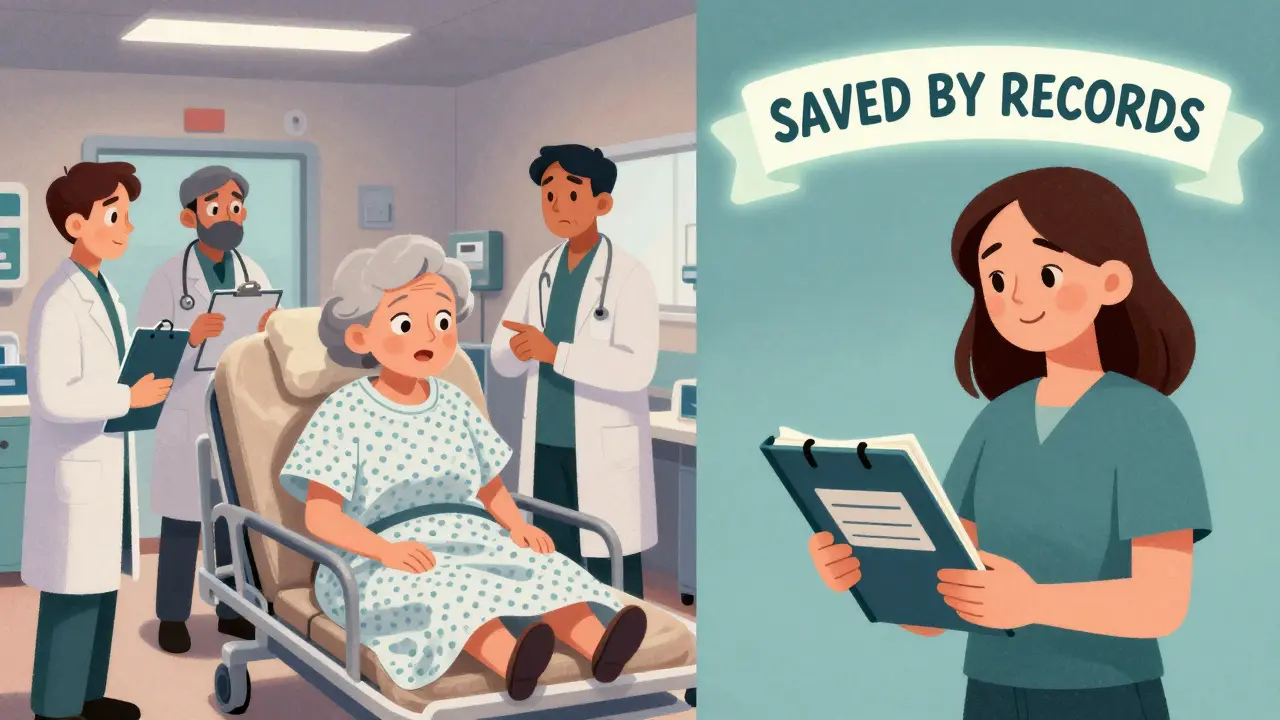
And if you’re caring for an elderly parent or child? Their safety depends on your organization. One Reddit user said their mother’s life was saved during an ER visit because they had her binder ready. “They didn’t have to guess. They knew exactly what she was on,” they wrote.
Final Tips for Long-Term Success
- Keep a printed copy of your list in your wallet or car. In an emergency, first responders can grab it.
- Share your system with a trusted family member. They should know where to find it.
- Use the FDA’s new QR codes on labels (now required since May 2024). Scan them to access digital info-then save that page in your app.
- Download the free guide “Your Medication Record: A Patient’s Guide” from the Institute for Safe Medication Practices. It’s simple, clear, and updated yearly.
- Call the CDC Medication Safety Helpline (1-800-232-0233) if you’re unsure about what to keep. They answered over 14,000 questions last year.
Organizing your prescription labels and leaflets isn’t glamorous. But it’s one of the few health habits that costs nothing, takes minutes, and could save your life. Start today. Your future self will thank you.
Should I keep prescription labels even after the bottle is empty?
Yes. The label contains critical details like dosage, prescriber, and pharmacy-information you may need years later, especially if you switch doctors or have an emergency. Hold onto labels for at least one year after stopping a medication, and indefinitely for long-term or allergy-triggering drugs.
Is it safe to store prescription records digitally?
Only if you use a HIPAA-compliant app like MyMedSchedule. These apps encrypt your data and protect it from unauthorized access. Avoid using regular cloud storage (iCloud, Google Drive) or unsecured apps-your prescription info is 40 times more valuable than credit card details on the black market.
What’s the best way to organize physical prescription records?
Use a three-ring binder with acid-free plastic sleeves. Sort medications alphabetically by drug name, not by condition. Use color-coded tabs for categories like heart, diabetes, or mental health. Store the binder in a cool, dry place away from sunlight and moisture.
How often should I update my prescription records?
Update your records every month when you refill prescriptions. Remove expired labels and leaflets, add new ones, and check expiration dates. Setting a monthly reminder (like the first Sunday of each month) makes it easy to stay consistent.
Do hospitals keep my prescription history forever?
No. Most electronic health record systems (like Epic or Cerner) only keep your medication history for 7-10 years before archiving it. After that, you won’t be able to access it. Your personal records are your only permanent copy.
Can I just rely on my pharmacy’s records?
Not fully. Pharmacies keep records, but they’re often incomplete, especially for older prescriptions or medications from other pharmacies. Plus, they don’t always include leaflets or detailed notes. Your personal file gives you full control and access when you need it most.
What if I take a lot of medications-do I need a special system?
If you take more than 20 medications regularly, use two binders: one for current meds and one for archived ones. Or combine physical storage with a digital backup. Apps like MyMedSchedule let you scan and tag hundreds of records easily. The key is consistency-not complexity.

LIZETH DE PACHECO
January 2, 2026 AT 21:22I used to toss all my pill bottles until my mom had that ER scare last year. Now I keep every label in a binder with color-coded sleeves-red for heart meds, blue for diabetes. It’s not glamorous, but when the doctor asked what I was on, I handed them the binder and they didn’t have to guess. Saved us hours and maybe her life.
Pro tip: I write the refill date on the sleeve with a Sharpie. No more guessing if it’s been 30 days or 60.
Also, scan the FDA QR codes now-they link to the full leaflet online. I save those PDFs in MyMedSchedule too. Hybrid system = peace of mind.
Kristen Russell
January 4, 2026 AT 06:35Stop throwing away labels. Just stop.
It’s not ‘being neat.’ It’s not ‘overdoing it.’ It’s survival.
Bryan Anderson
January 5, 2026 AT 20:25This is one of the most practical health recommendations I’ve seen in years. The emphasis on HIPAA-compliant apps is particularly important-many people don’t realize how vulnerable their medication data is when stored in generic cloud services.
I’ve personally seen patients misidentify their medications during hospital admissions, often due to memory errors or incomplete records. The 55% reduction in adverse events cited in the JGIM study is compelling.
For those concerned about physical storage, acid-free sleeves are worth the small investment. I’ve kept records from 2012 in a binder, and they’re still legible.
Also, the suggestion to organize alphabetically by drug name rather than condition is spot-on. It’s far more efficient when you’re scanning for a specific medication under stress.
Matthew Hekmatniaz
January 7, 2026 AT 14:57Coming from India, where access to consistent medical records is rare, this system feels like a luxury-but also a necessity. My uncle had a stroke last year, and the doctors had no idea what he’d been taking for his hypertension. We had to call his old pharmacy, and they only had 3 years of history.
I started using this binder method for my mom’s meds. We use white sleeves for her blood thinners and red for her diabetes. I even translated the leaflets into Hindi and taped them next to the originals.
It’s not just about safety. It’s about dignity. You shouldn’t have to beg doctors to know your own body.
sharad vyas
January 8, 2026 AT 15:25People think they will remember. But the mind forgets. The body remembers the medicine. The paper remembers the truth.
I keep all my old bottles in a shoebox. Not fancy. Just real. When I feel sick, I look at the labels. I know what I took. I know why.
Maybe this is not for everyone. But for me, it is enough.
Dusty Weeks
January 9, 2026 AT 07:02OMG YES. I threw out my Lexapro bottle last year and had to pay $200 for a new script because the new doc didn’t believe I’d been on it for 5 years. 🤦♂️
Now I scan everything into MyMedSchedule and keep a printed copy in my wallet. Also, I put little stickers on my bottles that say ‘KEEP THIS’ in big red letters. My cat even knows not to knock them over anymore. 🐱❤️
Also, the FDA QR code thing is wild. I scanned one and it linked to a 12-page PDF with a flowchart on what to do if you vomit after taking it. WHO KNEW??
Sally Denham-Vaughan
January 10, 2026 AT 01:54My grandma used to keep her meds in a Tupperware container with a Sharpie on the lid. ‘Heart stuff’ ‘Pain stuff’ ‘Sleep stuff.’ No color coding. No binder. Just her system.
She lived to 92. I think it’s less about the method and more about the habit. Even if you just take a pic of your label every time you refill? Do it.
Also, if you’re on 10+ meds, don’t stress about the perfect system. Just start. One bottle at a time. You got this.
Andy Heinlein
January 12, 2026 AT 00:37Just started doing this last month and it’s already saved me so much stress. I used to panic before doctor visits thinking ‘what was that thing I took in 2020?’
Now I have a binder on my nightstand. I update it every Sunday with my coffee. It’s become my little ritual.
Also, I printed out the FDA QR code guide and taped it to my fridge. My roommate asked what it was and now she’s doing it too. We’re basically medication nerds now 😅
And yeah, the 55% stat? That’s real. My cousin’s doctor said her binder literally changed their treatment plan.